See connections as they change
Open the menu to see the current device list and check whether a device was recognized.
USBMenu
Open USBMenu from the menu bar to see connected USB devices. The list updates as you plug devices in or remove them.
Open the USBMenu support siteMac
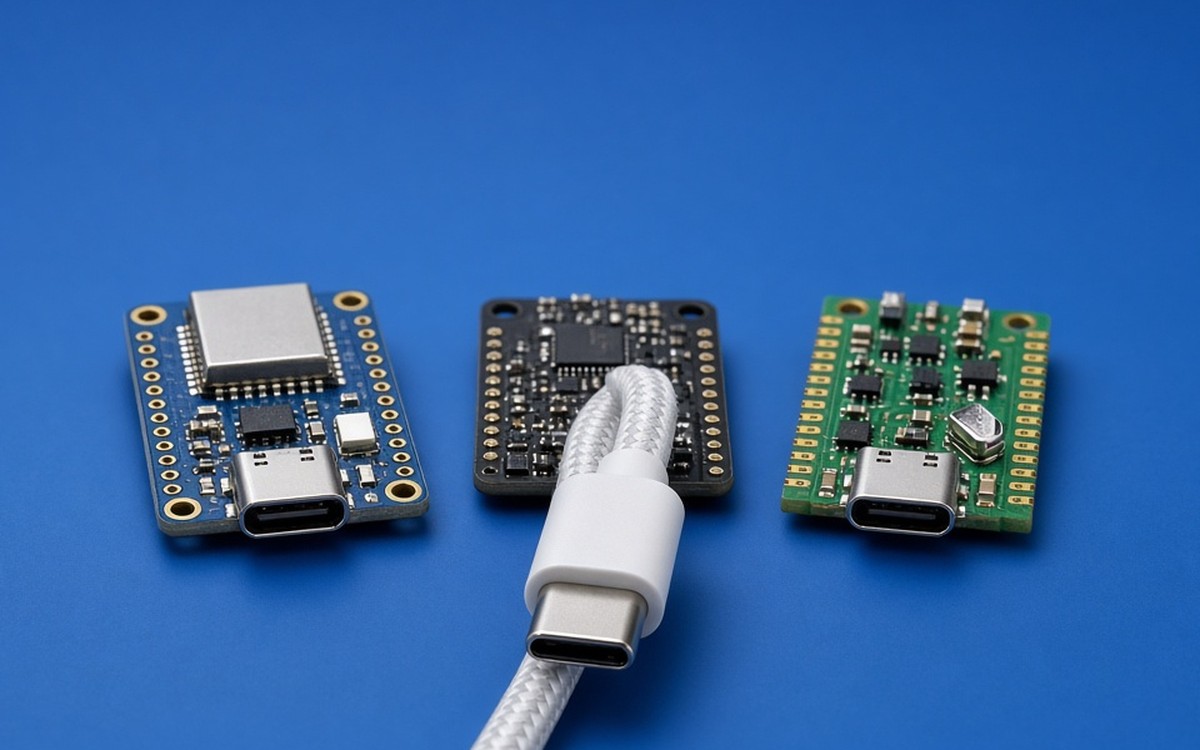
Open the menu to see the current device list and check whether a device was recognized.
USBMenu recognizes common Arduino and ESP32 boards and USB-to-serial chips.
See IP addresses for USB network devices when address information is available.