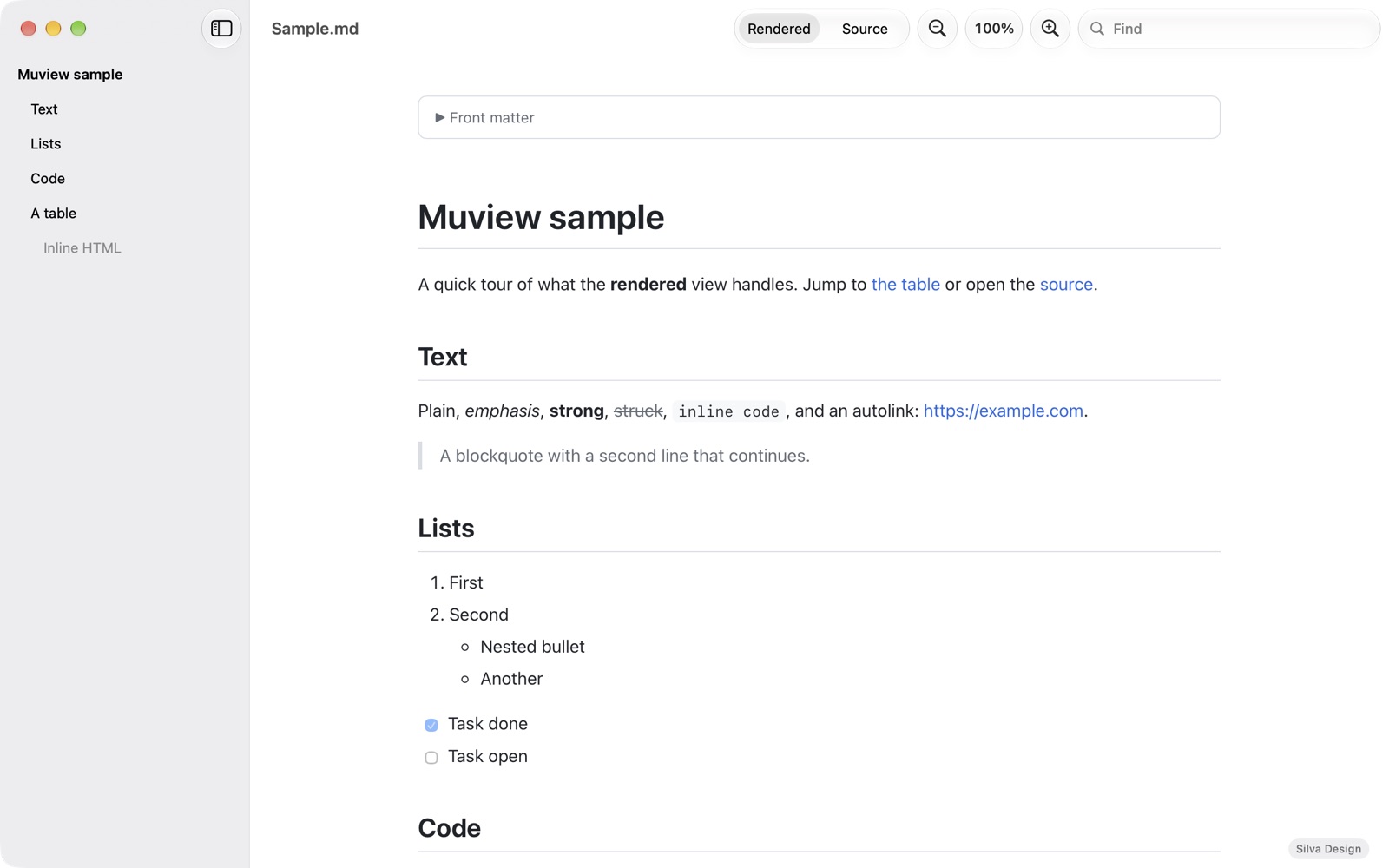
Markdown as a clean page, with an outline of its headings to jump around.
Markup files are everywhere on a Mac: README files, notes, documentation, web pages, drawings, settings. Opening one usually means a code editor full of symbols, or a heavyweight app that wants to edit it. Muview just shows it. It opens instantly, shows the file as a finished page, and stays out of the way.
Read, don't decode
Markdown becomes a formatted page with tables, task lists, footnotes and images, in the style you know from GitHub.
Always current
Leave a file open while you write it in any editor. Every save updates the page and keeps your place.
Safe by design
Muview is a viewer. It never writes to your files, and scripts inside Markdown never run.
Free software
No account, no ads, no tracking. The full source is on GitHub under the GNU General Public License, so you can study it, change it and share it.
What it opens
| File type | Shown as |
|---|---|
Markdown (.md, .markdown) | A formatted page, GitHub flavour |
HTML (.html, .htm) | The web page itself |
SVG (.svg) | The drawing, on a checkered background |
XML and property lists (.xml, .plist, .rss and more) | Coloured source with line numbers |
Other text (.json, .yaml, .txt) | Plain source with line numbers |
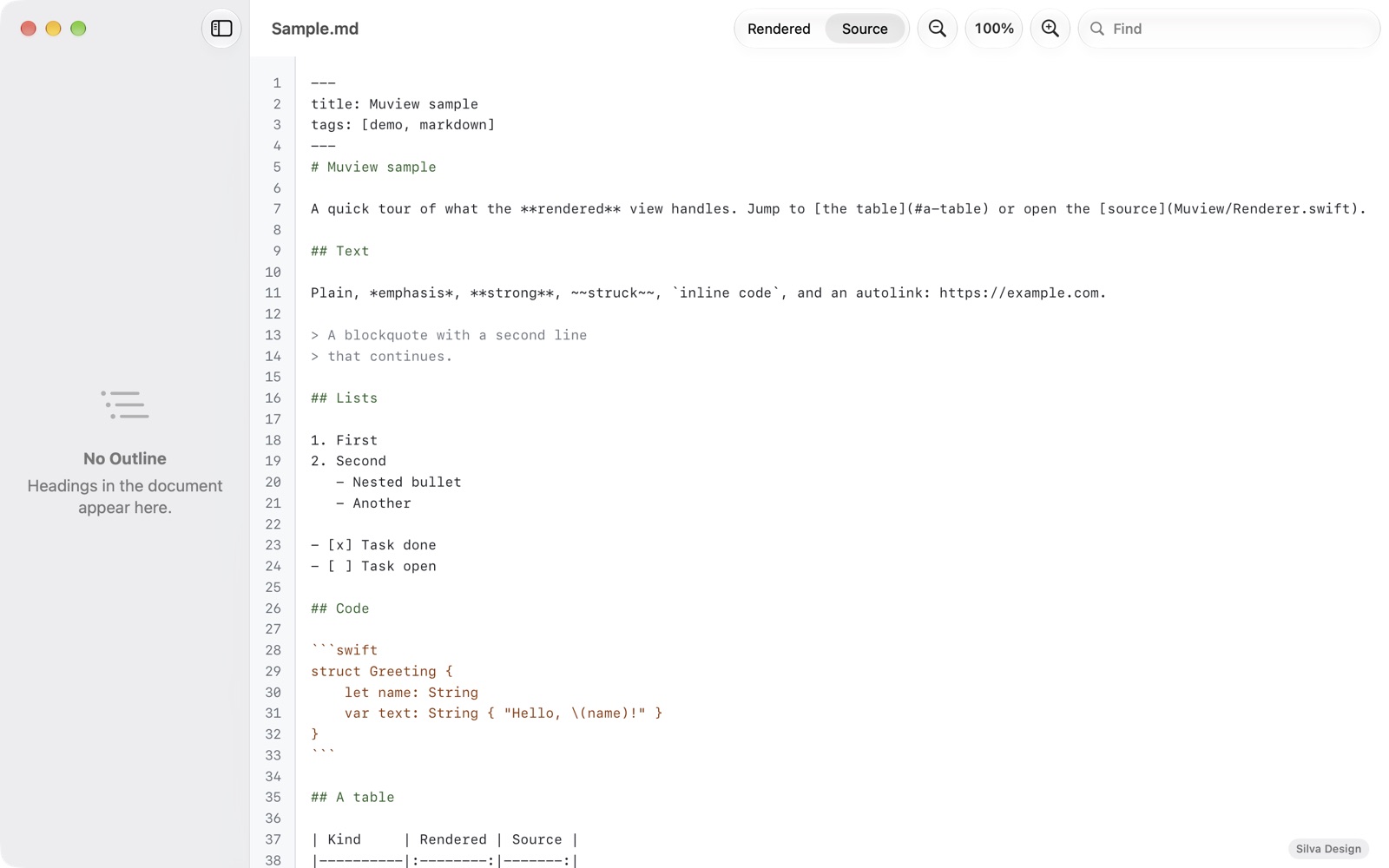
One click, or ⌘U, switches between the finished page and the raw source.
Everything it does
- GitHub-flavoured Markdown: tables, task lists, strikethrough, automatic links, footnotes and inline HTML. YAML front matter folds into a small box.
- Rendered and Source views for Markdown, HTML and SVG.
- Outline sidebar built from the document's headings. Click one to jump to it.
- Live reload whenever the file is saved, at the same scroll position.
- Find (⌘F), zoom (⌘+ / ⌘−) and print or save as PDF (⌘P).
- Links that go to the right place: web links open in your browser, links to other documents open in Muview.
- Its own document icon for files you set to open in Muview.
- Light and dark appearance, following your Mac.
- A full help guide is built in under the Help menu.
Code blocks inside Markdown are shown in a monospaced font but are not syntax-coloured yet.
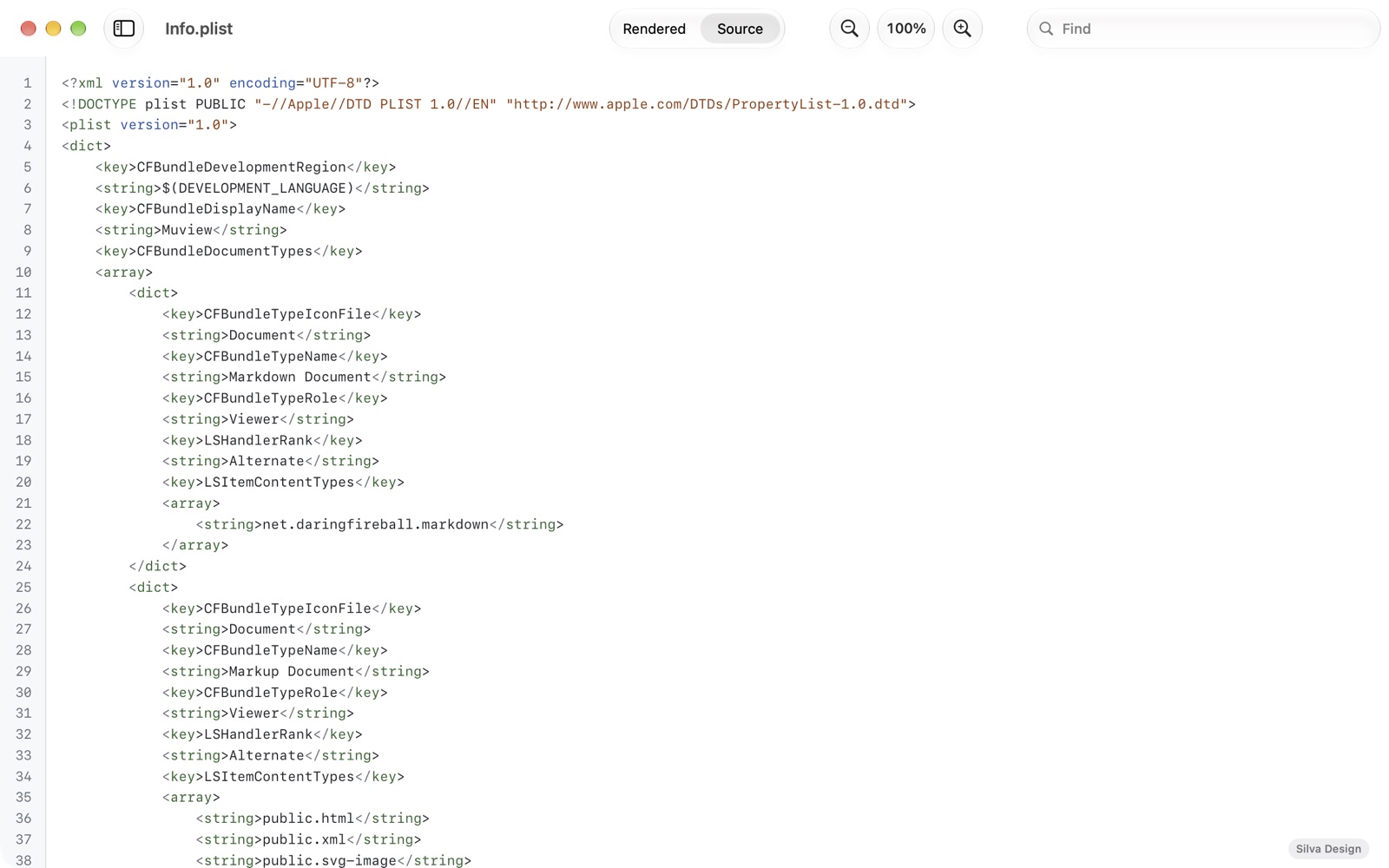
XML and property lists as coloured source with line numbers.
Install
- Download Muview-1.0.dmg and open it.
- Drag Muview onto the Applications folder.
- Open Muview and pick a file, or right-click any Markdown file in Finder and choose Open With › Muview.
The download is signed with the developer's Apple Developer ID (Raul Silva) and notarized by Apple, so it opens without any security warnings.
Muview is free software. The complete source code for this exact build is at github.com/rauls4/Muview, tag v1.0, under the GNU General Public License.
To open Markdown files in Muview by default: select a .md file in Finder, choose File › Get Info, pick Muview under Open with, and click Change All…. Your files then show the Muview document icon.
Muview 1.0 · macOS 14 Sonoma or later · Universal (Apple silicon and Intel) · Free software under the GNU GPL, version 3 or later
Support
The built-in guide under Help › Muview Help (⌘?) covers every feature. For anything else, email [email protected]. Bugs and ideas are also welcome as issues on GitHub.
Pictures in my document are blank
The Mac App Store version may only read the file you opened, not the pictures stored next to it. Click Allow Access… in the bar at the top of the window and confirm the folder. You are asked once per folder. The download from this page does not need this step.
Muview doesn't open when I double-click a file
Another app is still the default for that file type. Follow the last step under Install to change it.
Privacy Policy
Muview collects nothing. It has no accounts, no analytics, no ads and no tracking, and it sends no information about you or your files to anyone.
Muview only reads the files you open, plus any folder you choose to allow so a document's pictures can be shown. It uses the network only when a document you open refers to something on the web, such as an image; that request goes straight from your Mac to the site the document names.
Questions: [email protected]. Last updated November 28, 2026.
License
Copyright © 2026 Raul Silva.
Muview is free software: you can redistribute it and/or modify it under the terms of the GNU General Public License as published by the Free Software Foundation, either version 3 of the License, or (at your option) any later version.
Muview is distributed in the hope that it will be useful, but WITHOUT ANY WARRANTY; without even the implied warranty of MERCHANTABILITY or FITNESS FOR A PARTICULAR PURPOSE. See the GNU General Public License for more details.
The complete source code is at github.com/rauls4/Muview; each release matches a tag there. The full License and the notices for the third-party software Muview includes (swift-cmark, under BSD and MIT licenses) are in the app under Help › License and Help › Acknowledgements.