

PixelTank Aquarium
For Mac and Apple TVA calm, living reef on your screen.
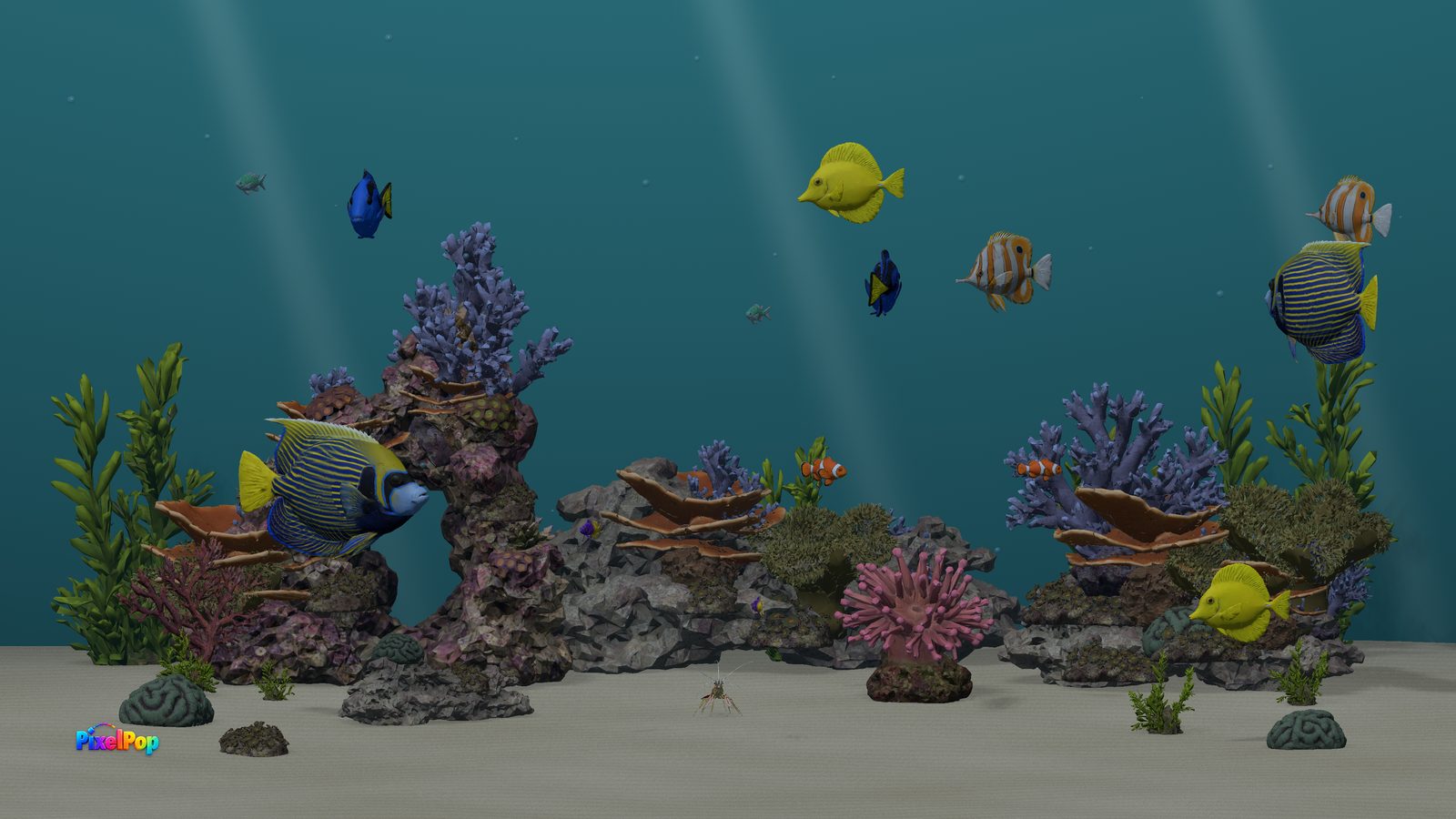
PixelTank turns your Mac or Apple TV into a 3D saltwater aquarium. Coral sways, clownfish tuck into their anemone, tangs cruise open water, and every fish swims its own way, so the tank never plays out the same twice.
Free download · PixelTank Pro is a one-time purchase
- Mac and Apple TV
- 13 reef species
- Camera that dives
- No ads, no tracking
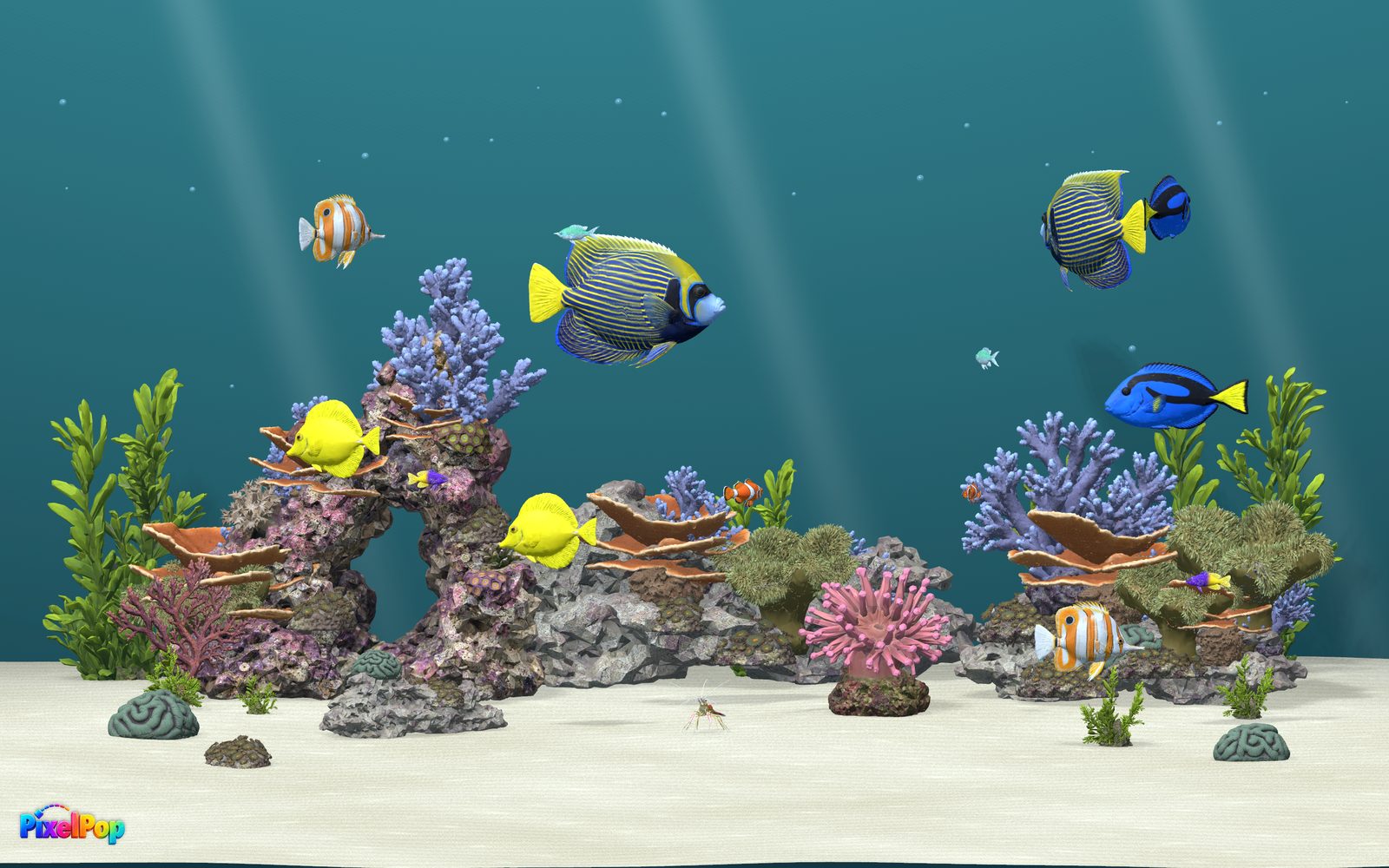
Dive
Let the camera swim the reef.
Turn on Dive and the camera glides through the tank like a diver, drifting past coral and slowing down to watch the fish. Leave it on and PixelTank dives by itself whenever the controls are hidden.
It makes a quiet backdrop for a desk, a living room, a lobby or a waiting room.
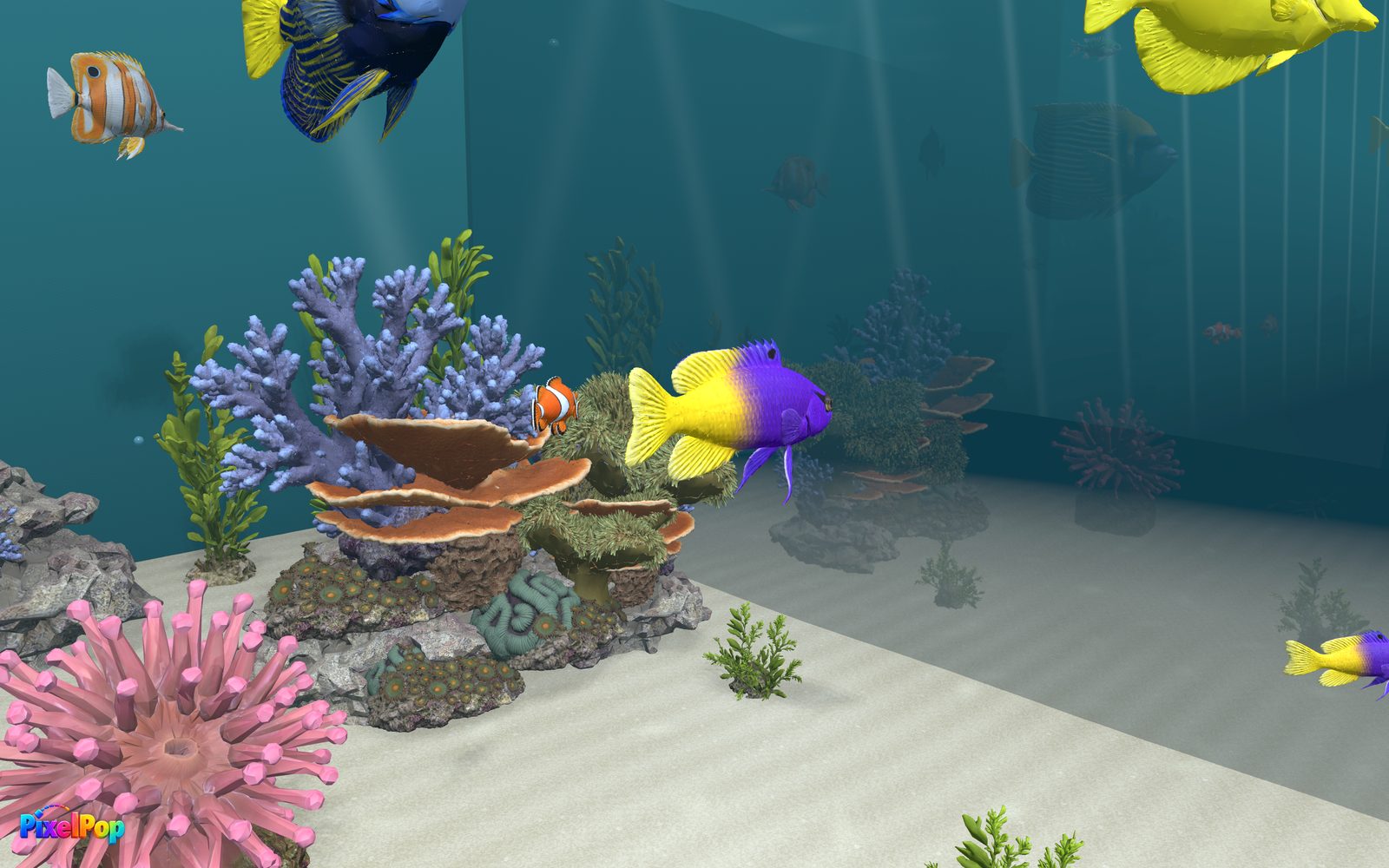
Meet the fish
Click a fish to say hello.
On the Mac, click any fish to swim in close and read about its species: how big it grows, where it lives and something worth knowing about it. Click open water to zoom back out.
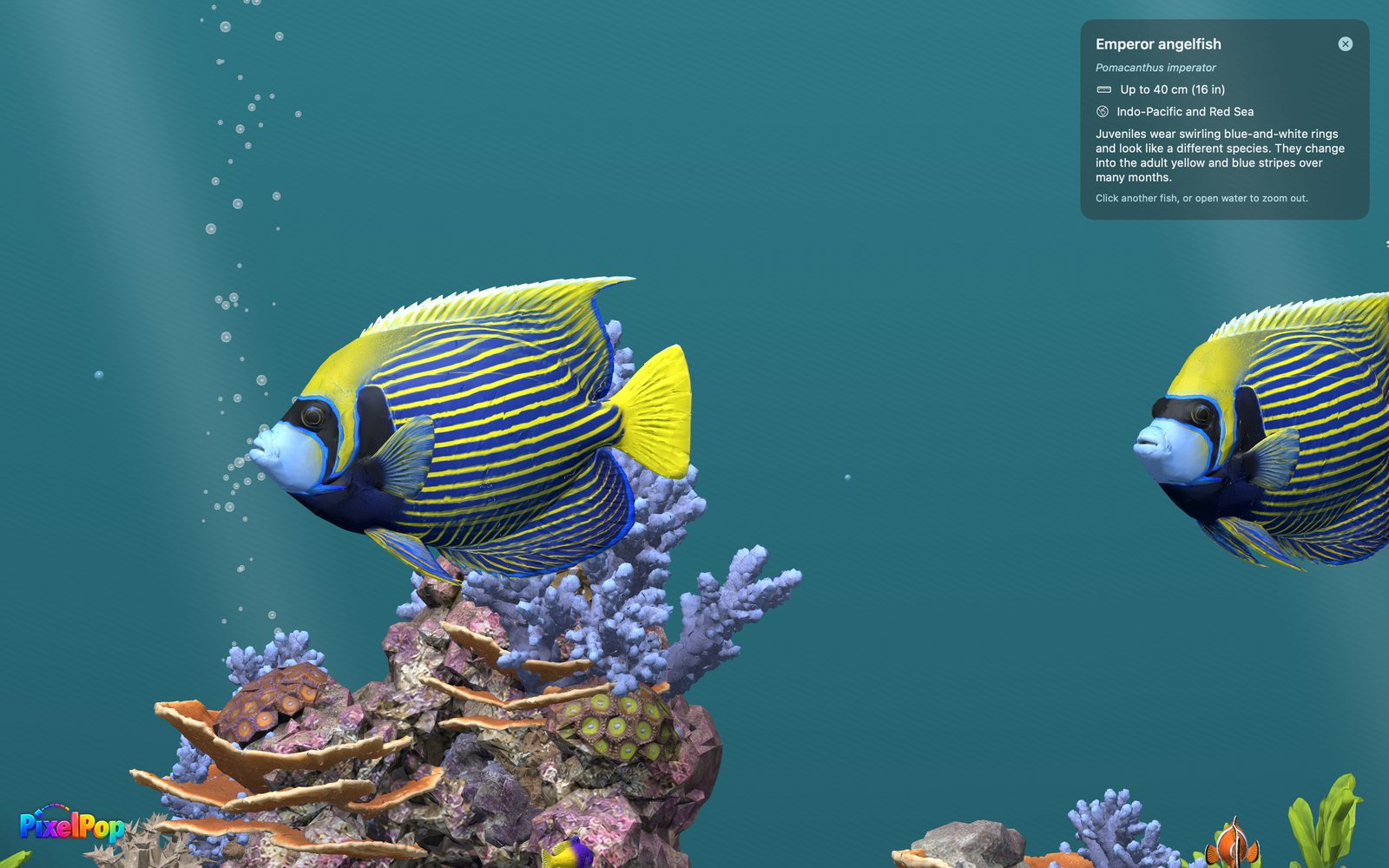
Apple TV
A window into the sea for the living room.
On Apple TV the reef fills the whole screen in 4K. Use the remote to bring up the controls, start a dive, pick species or change the lighting, then let it run.
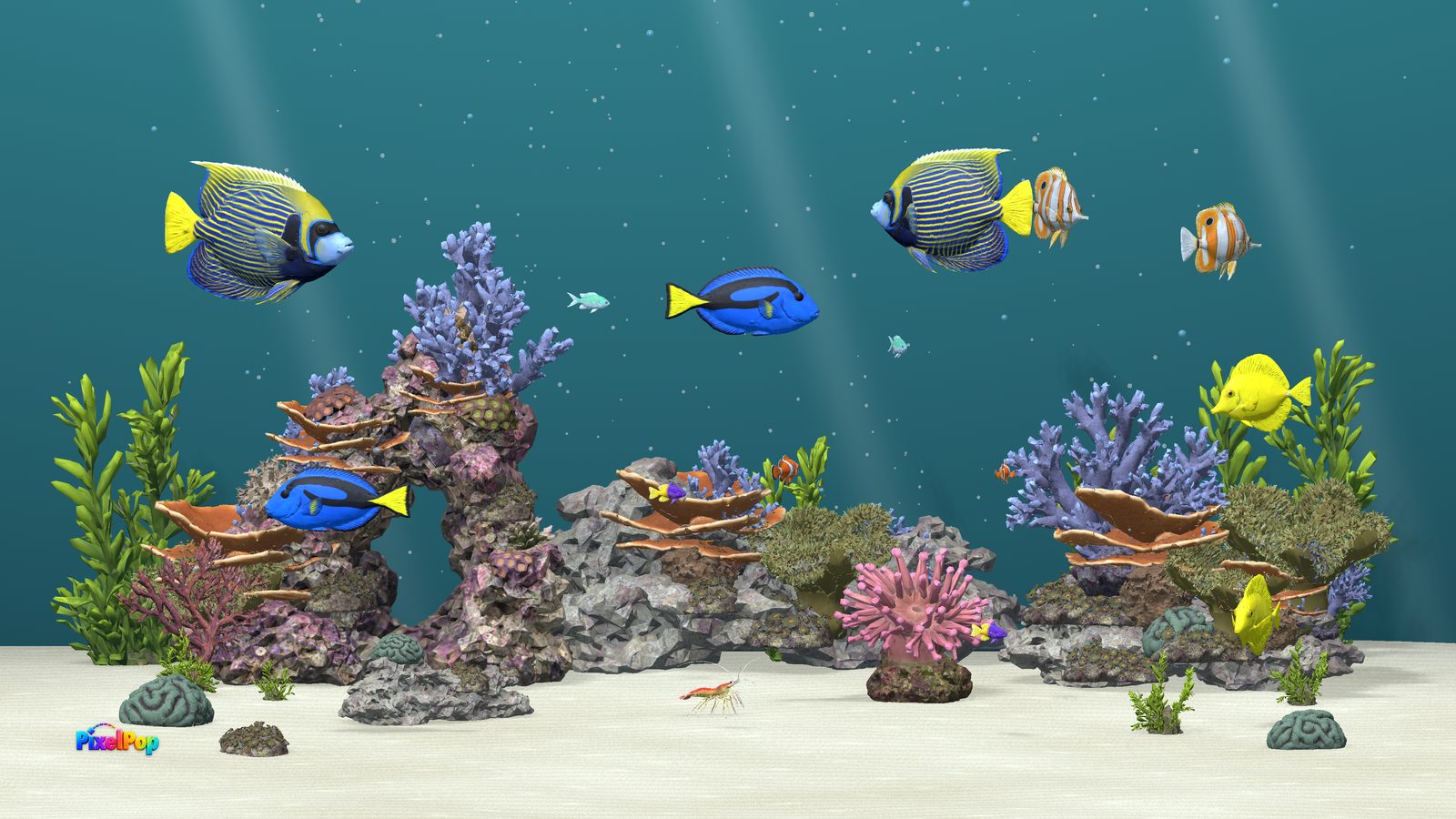
Make it yours
Your tank, your way.
- Choose how many fish swim, from one to a busy reef, and mix the species you like.
- Soft, Bright or Moody lighting, with light rays and shimmering water.
- An air stone or a full bubble curtain.
- Shuffle the fish for a fresh tank in one click.
- Gentle water sounds, or silence.
Included
- Clownfish
- Blue tang
- Yellow tang
- Copperband butterflyfish
- Emperor angelfish
- Royal gramma
- Blue-green chromis
Plus a cleaner shrimp on the sand, and coral, anemones and plants throughout.
With PixelTank Pro
- Seahorse
- Lionfish
- Mandarin dragonet
- Banggai cardinalfish
- Firefish
- Yellow watchman goby
Pro is a one-time in-app purchase, with no subscription. It also lets you add your own logo and a short message, which suits a shop window or waiting room, and removes the PixelPop logo. Bought it before? Restore Purchases brings it back.
Also on Roku
A pixel-art tank for when the TV is idle.
PixelTank Free is a standalone aquarium screensaver for Roku. It is not an app on the Home screen, and it is not the 3D PixelTank Aquarium app for Mac and Apple TV. Add it from the screensaver store, then set it under Settings > Theme > Screensavers.
When your TV is idle, watch a living reef or a goldfish tank. Open Change screensaver settings to pick one tank, or leave Auto on and the tank changes every ten minutes. Fish and backdrops are drawn from 2D pixel-art artwork and keep swimming; if the network is unavailable, a built-in offline reef appears instead.
Reef tanks may include clownfish, blue tang, yellow tang, copperband butterflyfish, emperor angelfish, royal gramma, blue-green chromis, and Moorish idol, plus a cleaner shrimp on the sand. Goldfish tanks may include oranda, fantail, black moor, shubunkin, and pearlscale.
PixelTank Free has no account, no advertising, and no in-app purchases. Apple’s PixelTank Pro purchase does not unlock the Roku screensaver. It is available in the United States. Published by Silva Design.
The details
Private by design.
PixelTank has no account, no ads and no analytics. Your settings, species picks, logos and messages stay on your device, and purchases are handled by Apple.
Requires macOS 14 Sonoma or later (Apple silicon or Intel) or tvOS 18 or later (Apple TV HD or Apple TV 4K).