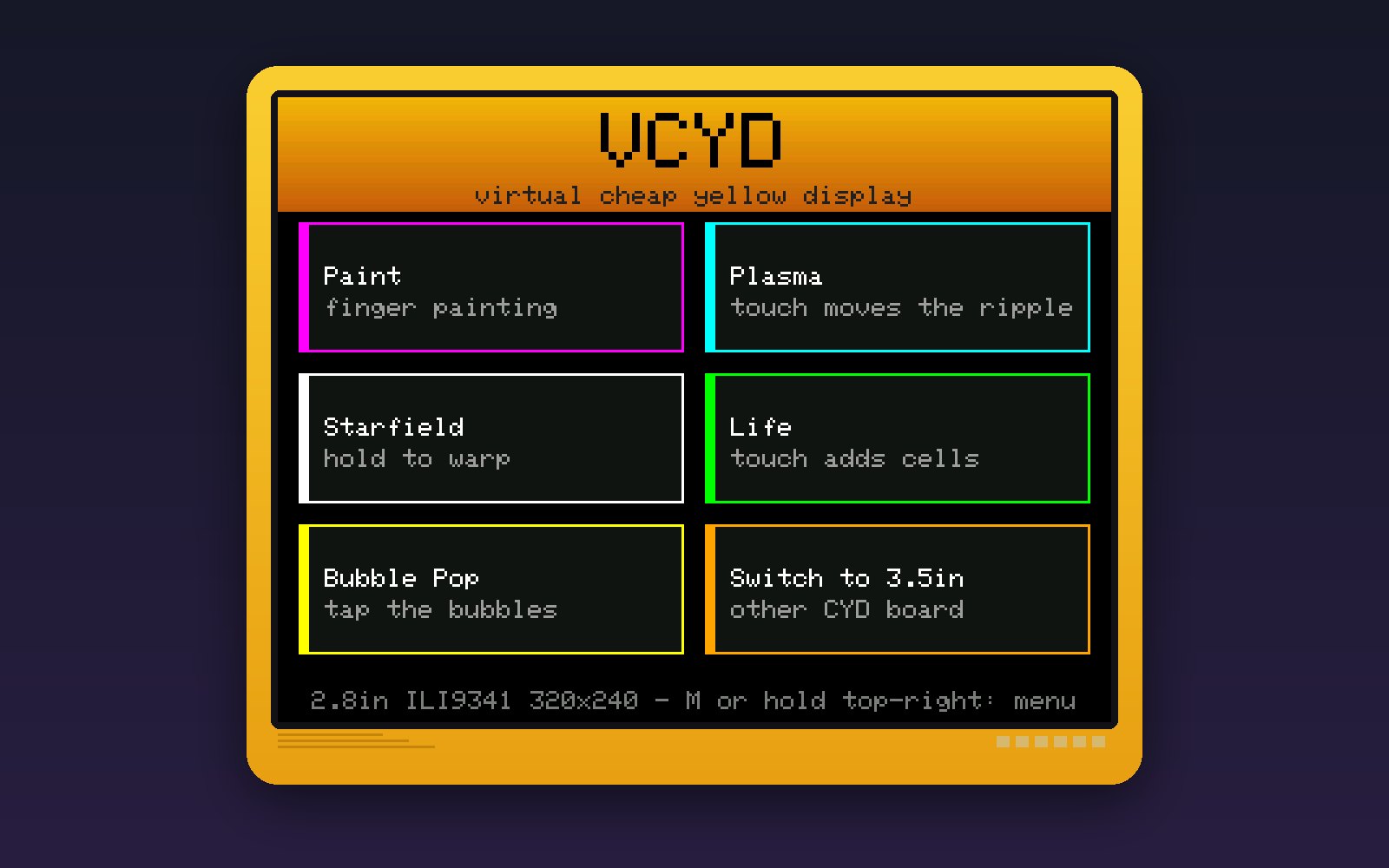
The app opens on a menu drawn on the virtual panel, exactly as it would look on the board.
The "Cheap Yellow Display" is a family of inexpensive ESP32 boards with a built-in touchscreen. They're great fun, but the build–flash–look loop is slow. VCYD swaps the board's display, touch and Arduino libraries for desktop versions at compile time, so the same sketch builds for your Mac, draws into a pixel-exact simulated panel, and reads the mouse as the touchscreen. Serial output goes to the terminal.
Pixel for pixel
Lines, circles, triangles and the built-in font use the same algorithms as the graphics library, so your layout matches the real panel.
Touch with the mouse
Hold the button to touch. Raw readings run 0–4095 like the XPT2046 controller, so your touch code runs unchanged.
Both boards
The 2.8" ESP32-2432S028R (ILI9341, 320×240) and the 3.5" ESP32-3248S035R (ST7796, 480×320). Switch between them from the menu.
Scriptable
Replay touch scripts, take screenshots, and run headless, so you can test UI flows automatically.
What's in the app
- Five demos that also run unchanged on a real board: finger painting, an animated plasma, a 3D starfield, the Game of Life coloured by cell age, and Bubble Pop, a small tap game.
- Touch scripts (
.vcydtouch): double-click one and VCYD opens the demo and board it names, then replays the touches. - Firmware inspector: open an ESP32
.binimage to see its header and segments. Running prebuilt firmware is the next big step. - Screenshots of the panel with the S key, and a full illustrated help guide under Help.
- Open files from File › Open, Open Recent, by dropping them on the window or Dock icon, or by double-clicking in Finder.
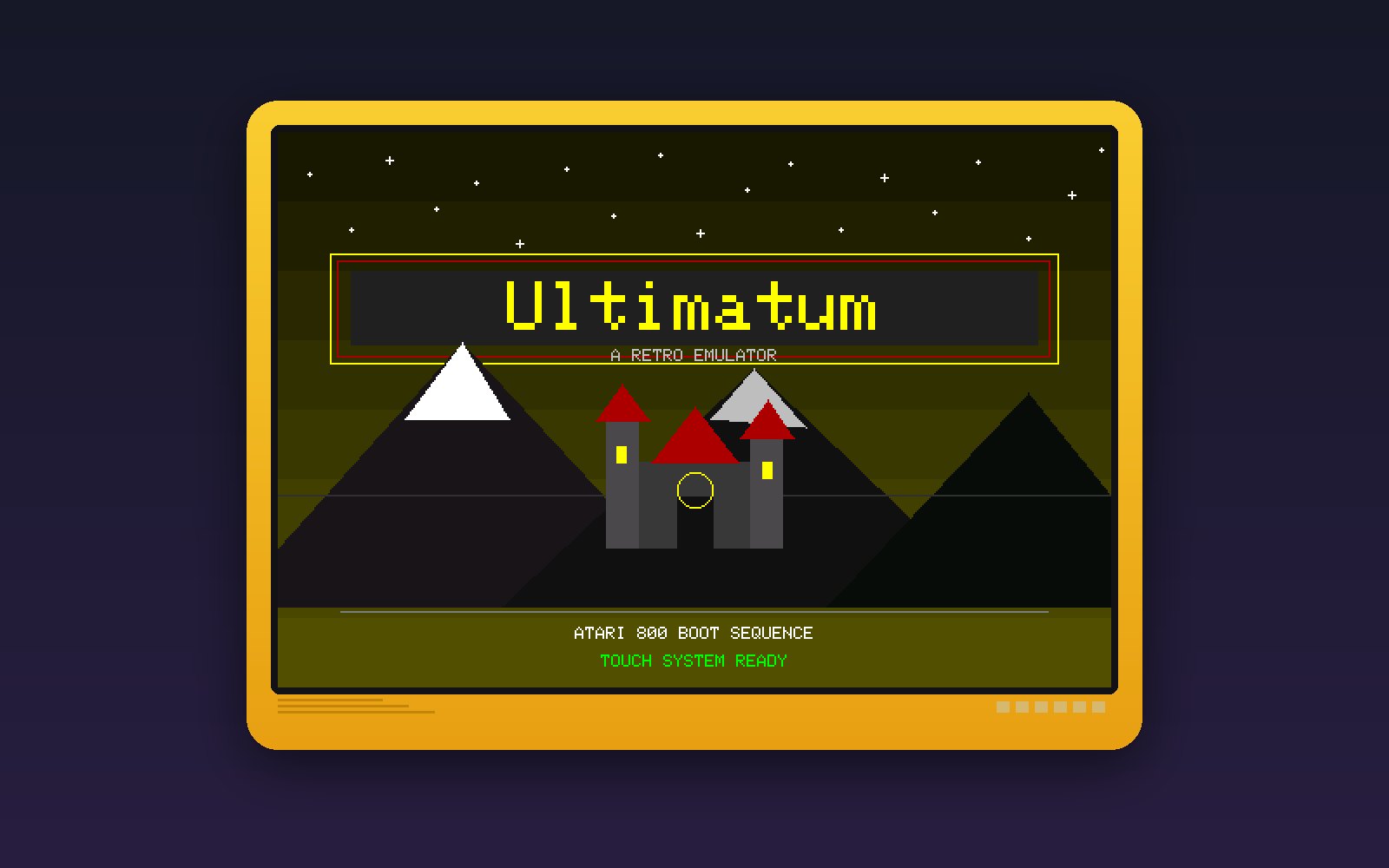
VCYD was built for Ultimatum, an Atari 800 emulator for these boards. Here its splash screen runs on the virtual 3.5" panel.
Built for your own firmware
The app shows what VCYD can do. The simulator itself is a library you build your sketch against, from PlatformIO or a plain Makefile. It covers the Arduino core (setup/loop, Serial, timing, pins), the GFX Library for Arduino drawing and text calls, and the XPT2046_Touchscreen API. Anything it doesn't cover fails at compile time, so you know exactly what's missing.
VCYD models what you see and touch, not timing or memory: your Mac is far faster than an ESP32 and has more than 320 KB of RAM. Use it for layout, input and logic, and measure speed and heap use on the board. The library isn't published yet; email [email protected] if you'd like early access.
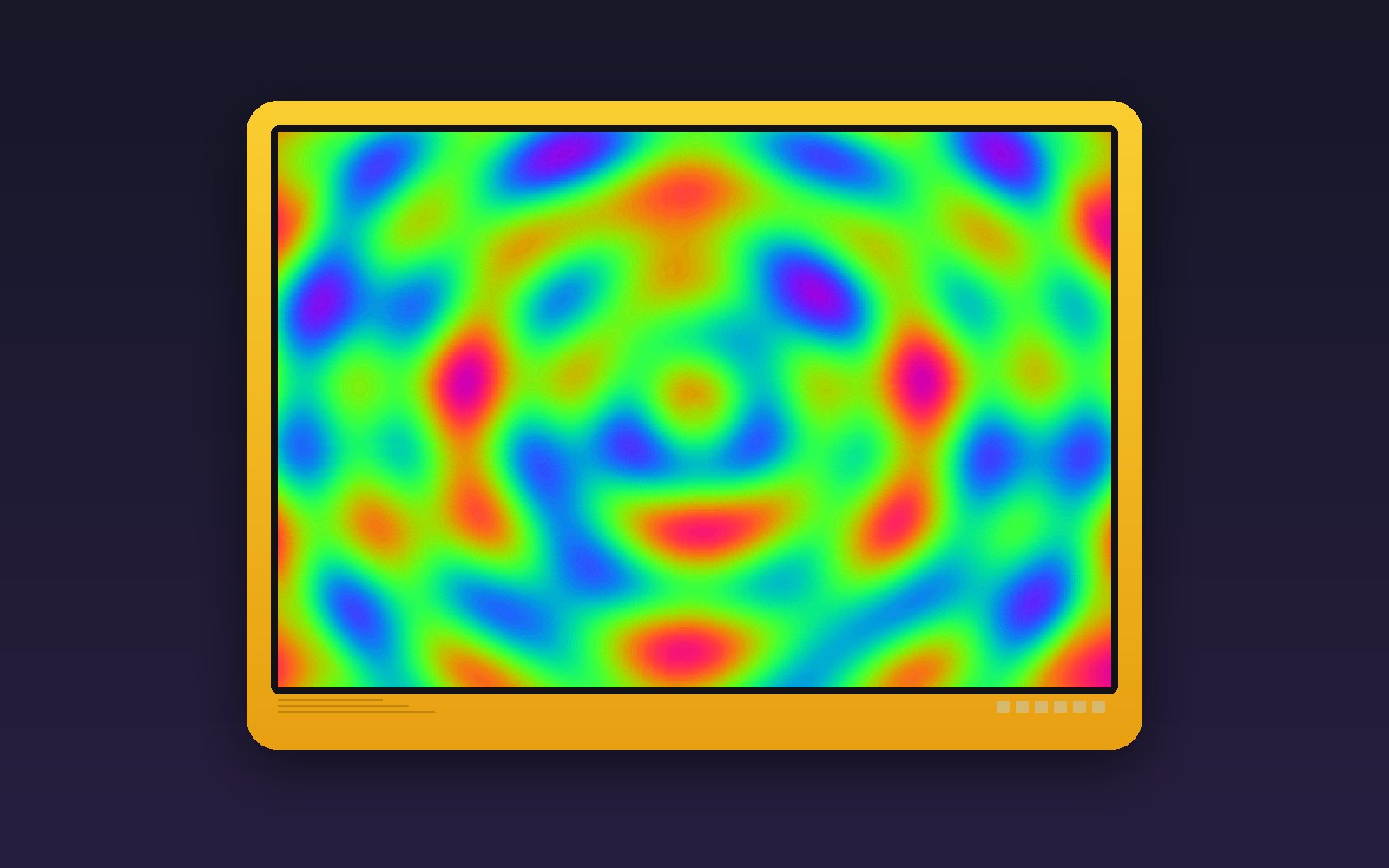
The Plasma demo draws the whole panel a scanline at a time; touch moves the ripple.
Install
- Download VCYD-0.1.0.dmg and open it.
- Drag VCYD onto the Applications folder.
- Open VCYD. It starts on a menu drawn on the virtual panel: tap a demo, or press 1–5.
The app is signed with the developer's Apple Developer ID (Raul Silva) and notarized by Apple, so it opens without security warnings.
VCYD 0.1.0 · macOS 11 Big Sur or later · Apple silicon & Intel · Free download
Help
The VCYD help guide covers the menu, keys, touch scripts and file types. For anything else, email [email protected].
VCYD includes the text font and drawing algorithms from Adafruit GFX (BSD License) and the SDL library (zlib License); their notices ship inside the app.